It cannot read your exact intention
A short idea can carry personal references, emotional nuance, or unstated context that a tool cannot reliably infer.
Workaround
Describe the subject, mood, setting, audience, and visual priorities explicitly.
A clearer creative workflow
What is image prompt generator online? It is a tool or workflow that helps turn a visual idea, description, or reference into a structured instruction for an AI image system. An image prompt generator can make the starting brief more specific without replacing your creative judgment.
Continue exploring
These related guides cover different ways to move from an idea, image, script, or video toward a usable prompt.
Set realistic expectations
An image prompt generator improves the brief, but it cannot guarantee a particular result or replace decisions about taste, context, and revision.
A short idea can carry personal references, emotional nuance, or unstated context that a tool cannot reliably infer.
Workaround
Describe the subject, mood, setting, audience, and visual priorities explicitly.
Generated images may vary in faces, hands, characters, objects, colors, or layout even when the prompt stays similar.
Workaround
Use a consistent reference, repeat key descriptors, and revise one variable at a time.
Adding more words does not automatically make a prompt better. Unrelated adjectives can make the instruction harder to interpret.
Workaround
Prioritize the main subject, action, composition, lighting, and style before adding minor details.
A prompt may be technically clear but still produce an image that feels wrong for a campaign, story, product, or audience.
Workaround
Review the output against the intended use and edit the prompt around what is missing.
The basic process
Most image prompt workflows follow three practical stages: clarify the idea, organize the visual attributes, and refine the result after seeing what the instruction produces.
Describe the main subject and what it is doing. Add the setting, mood, audience, or purpose if those details affect the image.
An image prompt generator can arrange information about composition, camera viewpoint, lighting, color, materials, style, and atmosphere into a clearer order.
Compare the result with your intention. Keep useful details, remove noise, and make a focused revision instead of changing everything at once.
Choose the right starting point
Both approaches can work. The better choice depends on whether you are exploring an idea, translating a reference, or already know the exact visual language you want.
Best starting point
Image prompt generator
A rough concept, reference image, or incomplete brief
Manual prompting
A clear idea with known visual requirements
Main strength
Image prompt generator
Organizes scattered details into a usable instruction
Manual prompting
Provides direct control over wording and emphasis
Useful for beginners
Image prompt generator
Yes; it offers a structure for deciding what to describe
Manual prompting
Yes, when the process is kept simple and iterative
Control over nuance
Image prompt generator
Depends on the quality of the input and revision
Manual prompting
High when the writer understands the desired visual result
Typical risk
Image prompt generator
Accepting generic language without checking the output
Manual prompting
Leaving out important details or overloading the prompt
Best next step
Image prompt generator
Edit the generated wording to match the intended image
Manual prompting
Test the prompt, inspect the result, and revise specific details
Who benefits
Different users need different levels of structure. The same image prompt generator can support exploration, planning, production, and communication when the goal is stated clearly.
They have a mood, character, or environment in mind but need several visual directions quickly.
A structured prompt helps them compare composition, style, and atmosphere before developing a final concept.
best AI prompts for imagesThey need repeatable visual briefs for posts, thumbnails, campaigns, or story-led content.
A clearer prompt makes it easier to communicate the intended subject, format, tone, and audience.
prompt for AI image generator for social mediaThey want to explore product scenes, campaign concepts, or visual references before production begins.
An image prompt generator can turn a short creative brief into a more complete starting instruction.
AI image prompt examplesThey are translating a scene, character moment, or setting from words into a visual direction.
Breaking the scene into subject, action, location, lighting, and framing makes the visual idea easier to test.
script to image prompt generatorFrom idea to instruction
The difference is not simply length. A useful prompt makes the visual priorities visible, so the image system has more concrete information to work with.
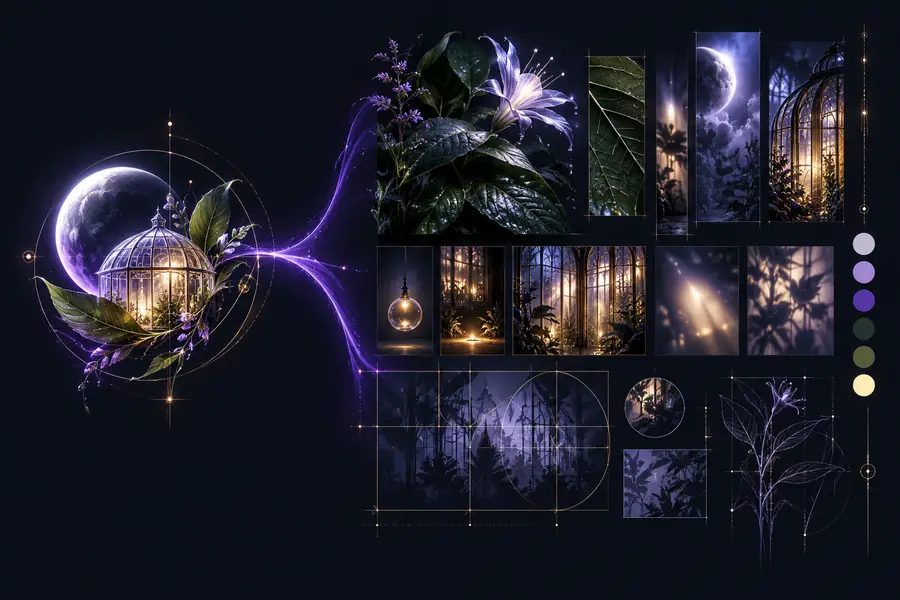 Short idea
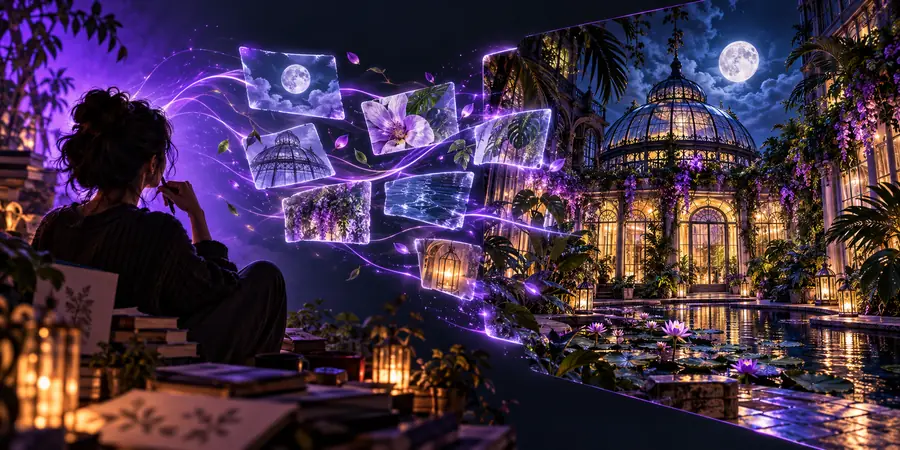 Structured prompt
A practical mental model
Use these quantities as a review checklist rather than a promise about any particular tool or model.
Make the idea usable
An image prompt generator is most useful when you treat its output as a draft. Start with the visual result you want, keep the key details relevant, and revise after seeing how the instruction is interpreted.
Build a visual promptCommon questions
These answers explain the basic idea behind using an image prompt generator online and where human direction still matters.
An image prompt generator online is a tool or guided workflow that turns a visual idea, description, or reference into written instructions for an AI image system. It helps organize details such as subject, setting, style, lighting, and composition.
You provide an idea or visual input, and the generator identifies or organizes details that may matter to the image. You then review the result and refine the wording so it better matches your intended subject, mood, and composition.
No. An image prompt generator creates or improves the written instruction, while an AI image generator uses an instruction to produce an image. Some products connect both steps, but the functions are different.
It cannot guarantee an exact result because image systems interpret language probabilistically and may vary between outputs. Specific descriptions, useful references, and focused revisions can make the result more aligned with your goal.
Start with the main subject and action, then add the setting, composition, lighting, color, materials, mood, and visual style when they matter. Remove details that do not support the image's primary purpose.