It cannot recover the original prompt
The same image can come from many different prompts, models, edits, or reference assets.
Workaround
Treat the output as a hypothesis and rewrite the parts that matter most to your intent.
Visual reverse engineering
Image to prompt turns a visual reference into structured creative direction. Use the result to understand composition, mood, subject details, and style before developing your own image prompt.
Image-to-prompt conversion is a starting point for interpretation, not a perfect record of every decision behind an image.
The same image can come from many different prompts, models, edits, or reference assets.
Workaround
Treat the output as a hypothesis and rewrite the parts that matter most to your intent.
A visual result may contain symbolism, brand rules, or story context that is not visible in the pixels.
Workaround
Add the audience, message, setting, and emotional goal yourself.
Small text, subtle textures, distant objects, and unusual lighting can be described unevenly.
Workaround
Inspect the image at full size and add a short verification pass.
A generated result can vary even when the extracted wording appears precise.
Workaround
Use the prompt as a reusable foundation, then refine composition and style through iteration.
The conversion is useful because it translates a finished visual into editable language that can be reviewed, adapted, and reused.
Start with an image that clearly shows the subject, framing, lighting, or style you want to examine.
The conversion identifies practical prompt elements such as subject, setting, composition, color, atmosphere, and visual treatment.
Keep the details that support your goal, remove assumptions, and add context that the original image could not reveal.
A useful output should help you make decisions, not simply describe what is already visible. Compare the reference with the language you can edit and reuse.
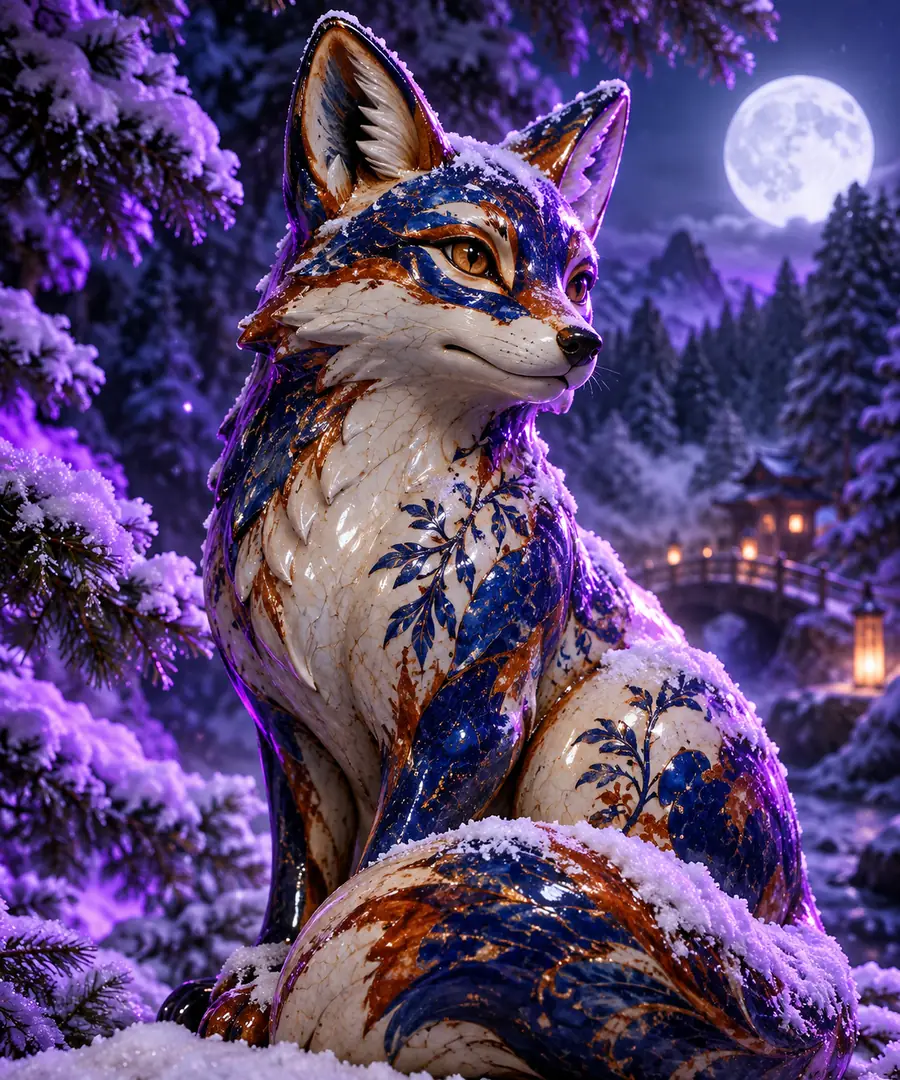 Reference image
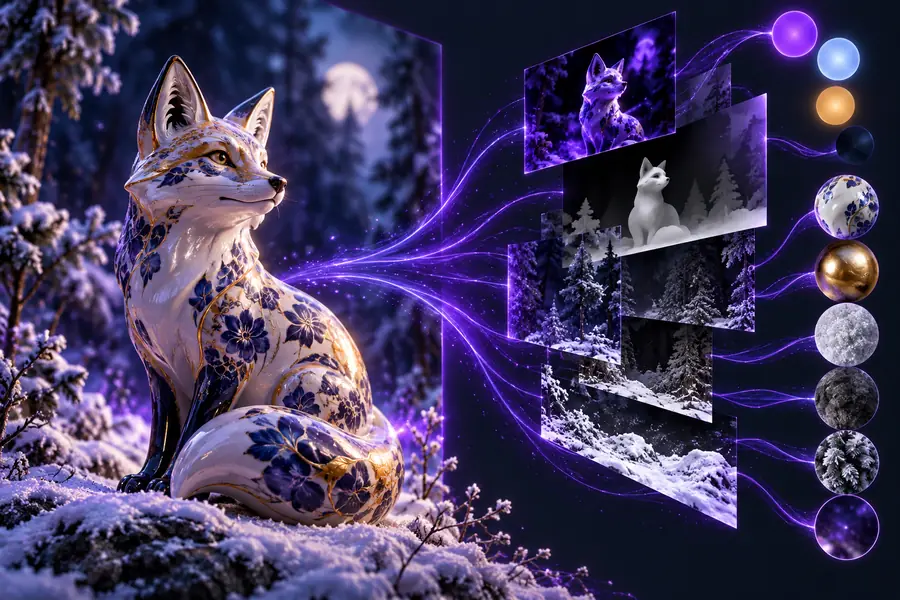 Prompt direction
Use this comparison to judge what the conversion gives you and what still depends on your own creative review.
Primary form
Reference image
Pixels, shapes, colors, and visible relationships
Extracted prompt direction
Editable words organized around visual attributes
Subject detail
Reference image
Shown directly through the image
Extracted prompt direction
Described in language that can be adjusted or expanded
Composition
Reference image
Experienced as framing, scale, and placement
Extracted prompt direction
Named as camera angle, layout, focus, or spatial arrangement
Hidden intent
Reference image
Usually unavailable from appearance alone
Extracted prompt direction
Still requires human context and interpretation
Original wording
Reference image
Not contained in the final image
Extracted prompt direction
An inferred description, not proof of the source prompt
Reuse potential
Reference image
Must be viewed or imported as a visual reference
Extracted prompt direction
Can be copied, edited, combined, and tested in a new direction
Accuracy risk
Reference image
Ambiguity remains in small or unclear areas
Extracted prompt direction
Descriptions can overstate details the image does not confirm
A designer has a strong reference but needs editable language for a moodboard or visual exploration.
Use the extracted direction to discuss composition, palette, and atmosphere with a team.
script to image prompt generatorA social or editorial team wants to understand why a reference image feels consistent with a campaign.
Turn visible choices into a shared vocabulary for new concepts and revisions.
image to video promptA researcher is comparing visual references and needs a repeatable way to record their observable traits.
Capture structured notes without claiming to know the hidden source prompt.
video to promptSomeone knows the look they want but cannot yet name the lighting, framing, or style choices involved.
Use the result as a learning aid, then build a more intentional prompt in their own words.
video prompt generatorBring a visual idea into an editable workflow. Review the extracted details, keep what supports your goal, and shape the language into a direction you can develop.
Convert an imageImage to prompt is used to translate a visual reference into editable language. It can help identify subject details, composition, lighting, color, mood, and style so you can study or adapt the visual direction.
No. A finished image does not contain a reliable record of its original wording, model settings, edits, or hidden creative intent. The result should be treated as an informed description rather than the source prompt.
Accuracy depends on how clear and detailed the reference is. Large, visible elements are generally easier to describe than tiny text, subtle textures, ambiguous objects, or choices that are not visible in the final image.
Yes. Editing is an important part of the process because the output may include assumptions or miss the context behind the reference. Keep useful visual observations, then add your audience, message, and intended result.
Not necessarily. Prompt wording, model behavior, reference inputs, and later edits all affect the result. Use the converted direction to guide a new attempt, not as a guarantee of pixel-for-pixel recreation.