A prompt cannot fix a weak concept
Adding more style words will not resolve an unclear subject, audience, or message.
Workaround
State the image's job first, then define the subject and visual treatment.
The best ai prompts for images do more than describe a subject. They give an image model enough direction to make composition, mood, audience, and intended use easier to control.
A promising concept can lose its shape when the prompt is too broad, overloaded with adjectives, or missing the details that matter for the final use.
Prompt ideas are useful starting points, not guarantees. These limits help keep expectations realistic when planning a visual workflow.
Adding more style words will not resolve an unclear subject, audience, or message.
Workaround
State the image's job first, then define the subject and visual treatment.
Image models can distort spelling, labels, logos, and small interface copy.
Workaround
Leave clean space for text and add final typography in a design tool.
A dramatic poster, square social post, and product thumbnail need different framing and priorities.
Workaround
Create a base direction, then make channel-specific versions for crop, scale, and legibility.
Terms such as cinematic, editorial, realistic, and illustrated can be interpreted broadly.
Workaround
Pair style language with visible references such as lighting, lens feel, palette, texture, and composition.
Use one of these repeatable paths to move from an idea to a prompt that is easier to review, revise, and hand off.
Start with the audience, subject, channel, and action the image should support. This prevents decorative detail from replacing the core purpose.
Add composition, viewpoint, lighting, color, material, mood, and background in an order that makes the scene easy to picture.
Check the prompt against the intended crop, text space, brand tone, and practical constraints before generating or sharing it.
The difference between a short idea and a production-ready direction is usually specificity, not length. A stronger prompt makes the visual priorities visible.
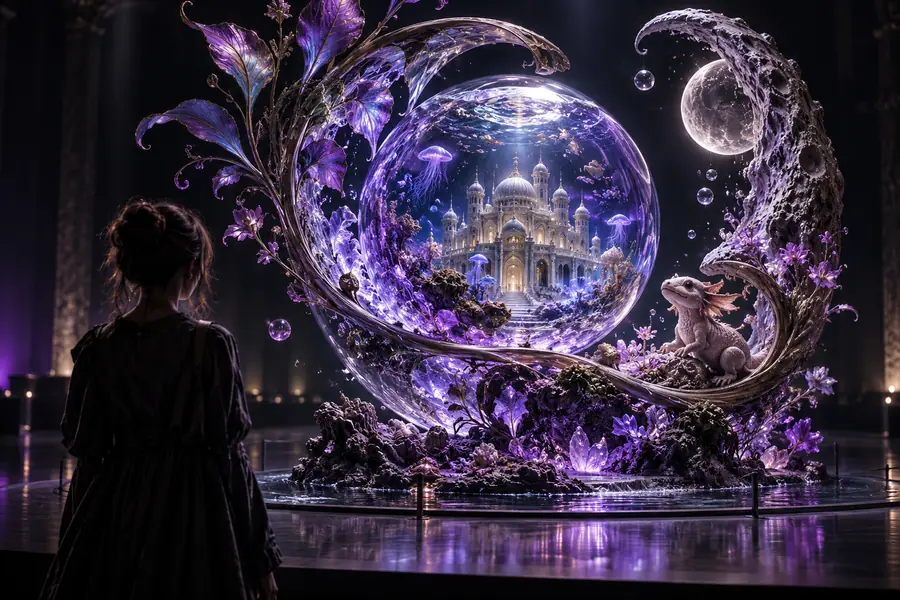 Loose idea
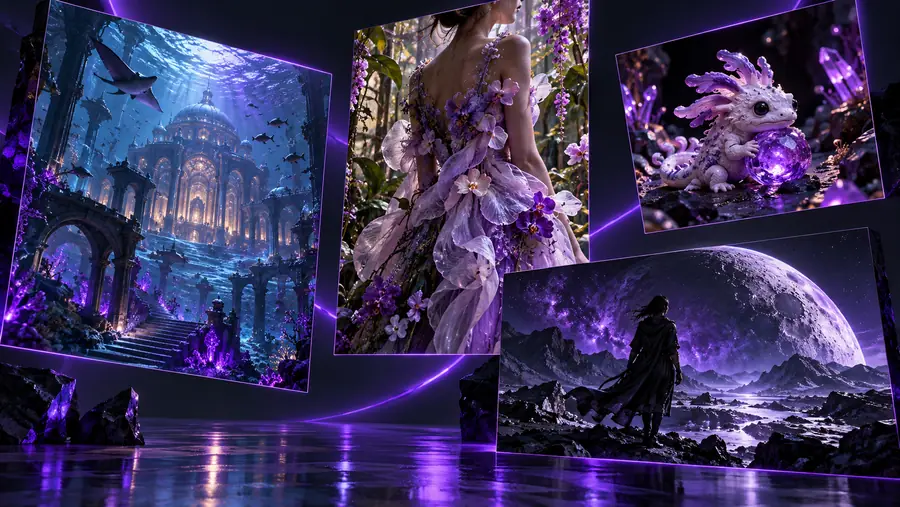 Directed prompt
A useful prompt also respects the people, brands, and contexts represented in the image. Treat these checks as part of the brief, not as an afterthought.
Real people
Risky direction
Ask for a recognizable private person without permission.
Safer direction
Use a fictional subject or obtain appropriate consent.
Brand identity
Risky direction
Recreate protected logos or packaging as if officially endorsed.
Safer direction
Describe general category cues or use approved assets.
Sensitive traits
Risky direction
Infer private attributes from appearance or identity.
Safer direction
Describe visible styling, pose, setting, and wardrobe only.
Reference images
Risky direction
Assume an uploaded image can be copied without checking rights.
Safer direction
Use owned, licensed, or permissioned reference material.
Audience fit
Risky direction
Use stereotypes as a shortcut for a demographic.
Safer direction
Specify context, tone, activity, and inclusive representation.
Disclosure
Risky direction
Present generated commercial imagery as documentary evidence.
Safer direction
Label synthetic or illustrative material where context requires it.
Different teams need different prompt ideas, but the same structure helps keep each brief clear and usable.
You need a campaign image that leaves room for a headline and remains recognizable across several placements.
Start with the message, subject hierarchy, negative space, palette, and intended crop.
prompt for ai image generator for social mediaYou want a polished product scene without losing the product's shape, material, or practical use.
Describe the product first, then specify environment, lighting, camera angle, and what must remain visible.
ai image prompt examplesYou are exploring several moods or treatments before committing to a visual direction.
Compare a small set of prompts that change one variable at a time, such as medium, palette, or viewpoint.
midjourneyYou need an attention-grabbing visual that still matches the tone and constraints of a specific channel.
Write for the audience and format first, then add the hook, subject action, contrast, and safe text area.
best ai prompts for imagesBring a subject, mood, or rough campaign thought and shape it into a clearer image direction. The goal is not to remove creative judgment; it is to give that judgment a stronger starting point.
Create an image promptThey clearly identify the subject, visual purpose, composition, lighting, mood, and intended audience. Strong prompts also distinguish essential requirements from optional stylistic details, so the image model has a clear priority order.
Begin with the job the image must do, such as introducing a product, setting a mood, or stopping a social scroll. Then explore variations in viewpoint, palette, setting, material, and negative space instead of changing everything at once.
Include them when they affect the result you want. A viewpoint, lens feel, light direction, or contrast level can make a scene more concrete, but unnecessary technical language can distract from the subject and message.
A well-structured visual brief can be adapted across image generators, but each tool may interpret style terms, parameters, and formatting differently. Keep the core subject and composition stable, then adjust the tool-specific wording when needed.