Image Prompt

Workflow comparison

Image prompt generator vs anime: choose the right visual workflow

Image prompt generator vs anime is not a choice between better and worse. It is a choice between broad visual control and a deliberately stylized illustration direction.

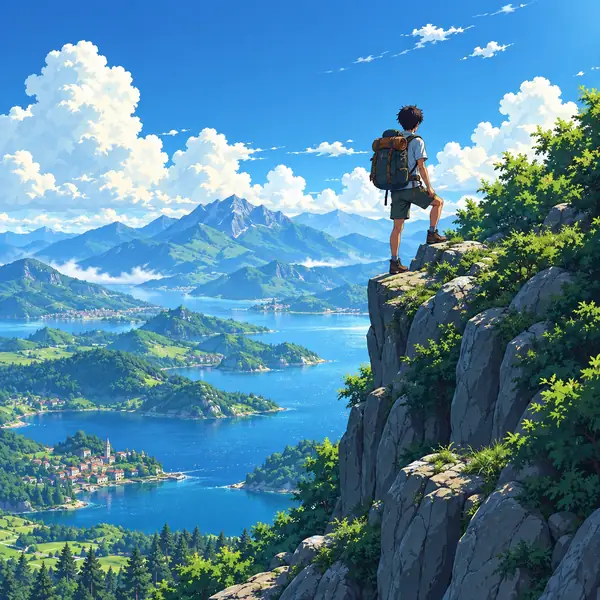
Anime-style traveler standing in a dramatic mountain landscape

Related paths

Verdict first

Choose a general image prompt workflow when you need flexibility across subjects and styles. Choose an anime direction when character design, linework, and expressive illustration are the point.

Decision guardrails

Dimension by dimension

The comparison becomes clearer when you separate style preference from the practical requirements of the image you need to make.

A general workflow cannot guarantee a specific anime look

Broad wording may produce a range of illustrated results rather than one consistent visual language.

Workaround

Name the desired line quality, character proportions, palette, lighting, and reference era explicitly.
An anime direction is not ideal for every subject

A strongly stylized approach can be a poor fit for technical diagrams, realistic product scenes, or documentary-like imagery.

Workaround

Keep the subject and communication goal primary, then add anime styling only where it supports the message.

Neither approach fixes an unclear brief

A fashionable style cannot compensate for missing information about composition, subject, mood, or intended audience.

Workaround

Write the scene in layers: subject, action, setting, composition, visual treatment, and constraints.

Prompt wording cannot ensure identical outputs everywhere

Different image tools interpret the same words differently, so a prompt may need adjustment when moved between systems.

Workaround

Keep a reusable core description and tune style terms for the specific tool or model receiving it.

Simple decision flow

Who each suits

Start with the result you need, not the label you saw first. These three steps keep the comparison tied to the project.

  1. 1

    Define the visual job

    Decide whether the image must explain, sell, document, entertain, or establish a fictional world.

  2. 2

    Choose the style range

    Use a general direction for exploration, or choose anime when expressive characters and illustrated conventions are central.

  3. 3

    Add controllable detail

    Specify framing, pose, setting, color, lighting, and exclusions so the selected direction has a clear brief to follow.

Visual example

Migration path

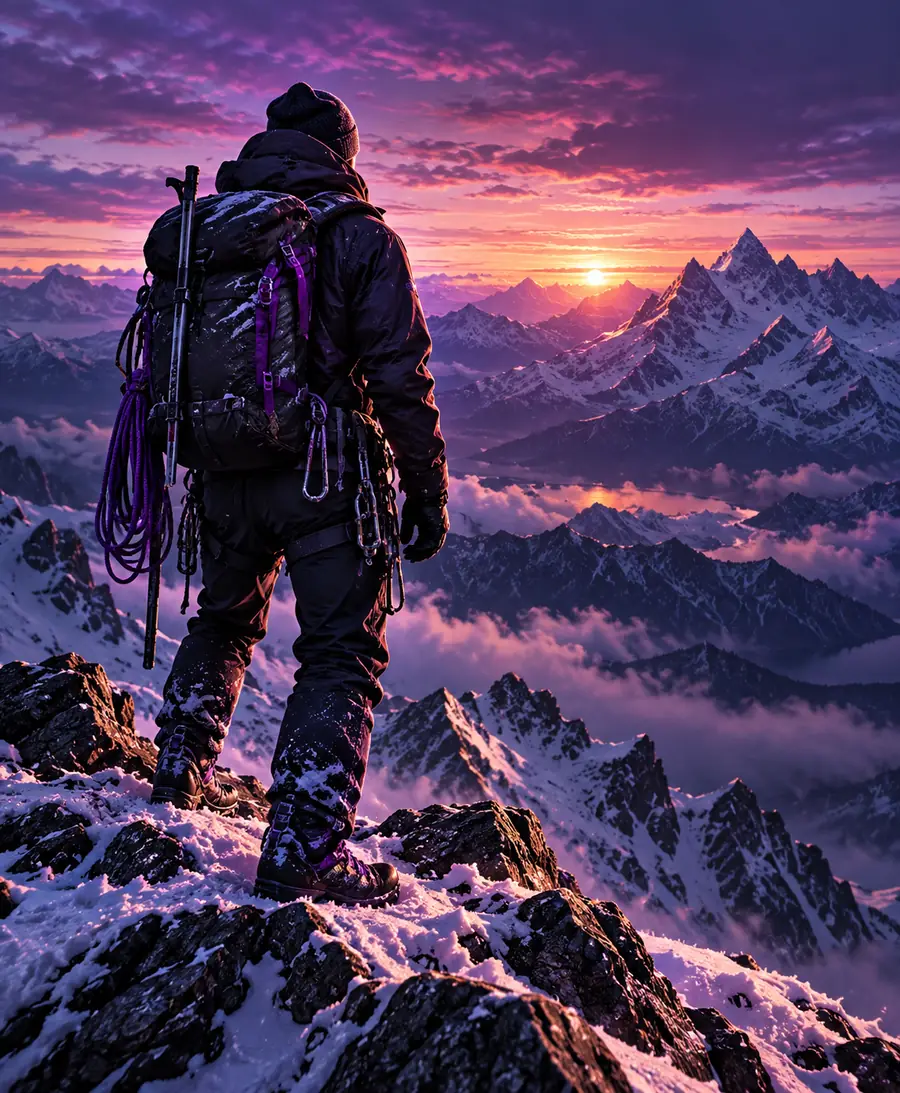
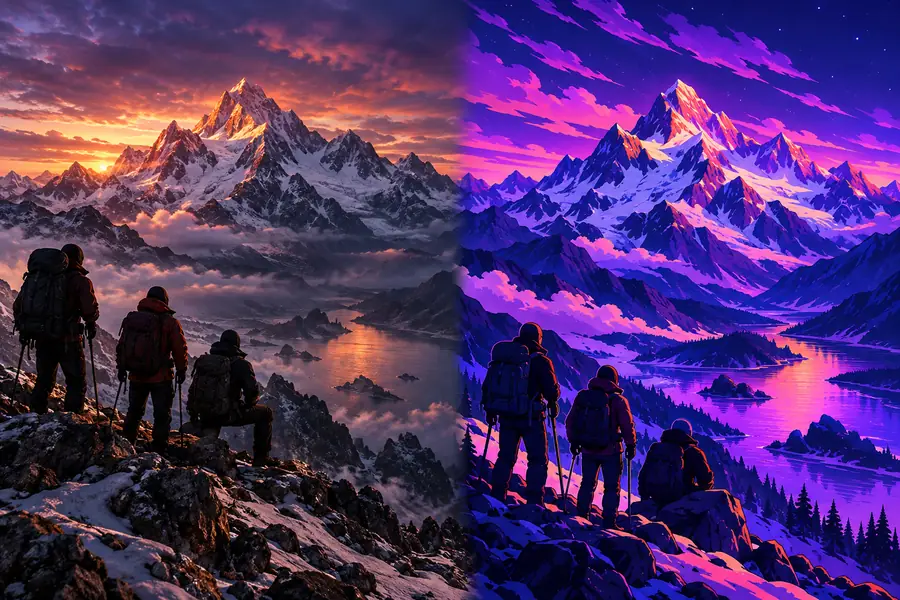
A useful migration path keeps the scene intact while changing only the treatment. That makes it easier to tell whether style improved the image or merely changed it.

Vividly lit portrait with a polished visual treatment General direction
Illustrated portrait with a defined anime-inspired treatment Anime direction
Keep the subject, pose, and framing stable; change the visual treatment in a second pass.

Side-by-side check

The practical trade-offs

Neither side wins every row. The better choice depends on how much stylistic identity matters compared with range, realism, and repeatability.

General image prompt workflow
Anime-focused workflow

Style range

General image prompt workflow

Broad range across realistic, editorial, cinematic, graphic, and illustrated directions.

Anime-focused workflow

Narrower by design, with emphasis on anime and adjacent illustrated conventions.

Character expression

General image prompt workflow

Can describe expression, pose, and mood but may need careful wording for consistency.

Anime-focused workflow

Naturally suited to expressive faces, stylized poses, and character-led scenes.

Photorealistic subjects

General image prompt workflow

A stronger starting point when real-world materials, products, or environments matter.

Anime-focused workflow

Possible, but the anime treatment may compete with realistic surface detail.

Worldbuilding

General image prompt workflow

Flexible for testing different visual languages before settling on one.

Anime-focused workflow

Strong when a coherent illustrated world, cast, or visual identity is already intended.

Prompt portability

General image prompt workflow

General scene language can be adapted across many visual directions.

Anime-focused workflow

Style-specific terms may need more adjustment between tools.

Brand consistency

General image prompt workflow

Depends on how precisely the visual system is documented in the prompt.

Anime-focused workflow

Can provide a recognizable identity when the anime conventions are deliberate and repeated.

Best first question

General image prompt workflow

What must this image communicate, and which style supports that goal?

Anime-focused workflow

What anime qualities define the character, mood, and world?

Main risk

General image prompt workflow

A vague brief can produce attractive but inconsistent results.

Anime-focused workflow

A strong style label can overshadow the subject or message.

Audience fit

Choose by project

The right direction changes with the person commissioning the image and the job the image must perform.

Brand and marketing teams

You need campaign concepts, product scenes, or social visuals that can move between several visual treatments.

Start broad, then lock the style only after the message and audience are clear.

image prompts for social media

Character designers

The image revolves around a stylized cast, readable silhouettes, expressive faces, and a repeatable illustrated identity.

An anime-focused direction gives the brief a clearer starting language.

AI image prompt ideas

Writers and storyboard artists

You are turning a scene, chapter, or character moment into a visual reference before production.

Use general scene structure first, then add anime cues if the story depends on that visual grammar.

script to image prompt generator

Designers testing concepts

You want to compare a realistic, editorial, and illustrated interpretation of the same idea.

A broad workflow makes the comparison cleaner because the subject can remain stable while the treatment changes.

AI image prompt examples

Site scope

A focused comparison

These figures describe the surrounding Image Prompt site rather than a performance promise. They show the breadth of the content path behind this comparison.

Languages listed in the site manifest
6 locales
Planned pages in the current site map
25 routes
The shared handoff route used for product access
1 CTA path

Next step

Turn the comparison into a usable brief

Begin with the subject, purpose, and composition. Then decide whether the image needs broad visual flexibility or a committed anime identity, and write the style cues around that choice.

Build my prompt
  • Start with the image's communication goal
  • Keep subject and composition explicit
  • Add anime cues only when they serve the result

Questions answered

Comparison FAQ

Use these answers to make the choice before you spend time refining style terms.

Not universally. A general prompt is usually the better starting point when you need flexibility across realistic, editorial, cinematic, or illustrated results. An anime-focused prompt is better when stylized characters and illustrated conventions are central to the brief.

Yes, if the prompt clearly describes the desired anime treatment, character design, linework, palette, expression, and composition. The more specific the visual language, the less likely the result is to rely on a vague style label alone.

Choose it early when the project depends on expressive character acting, stylized proportions, cel-shaded or illustrated rendering, or a coherent fictional world. Starting with that direction helps keep the visual brief aligned with the intended audience.

Usually, yes. Keep the subject, action, setting, and framing consistent, then create separate style sections for realistic and anime versions. This makes the comparison more meaningful and shows which treatment supports the idea best.

Put the subject and communication goal before the style terms. Describe what must remain recognizable, limit decorative additions, and use the anime direction to control treatment rather than replace the core scene.

Start creating
Start creating