Image Prompt

AI image prompt examples for stronger visual briefs

Use ai image prompt examples to see how a vague concept becomes a structured visual brief. An image prompt generator can help organize subject, setting, style, lighting, composition, and constraints before you hand the prompt to your image tool.

Prompt handed off securely

Related directions

the audience's existing pipeline

Most visual work already starts with a brief, reference image, script, or campaign idea. These related pages show how an image prompt generator fits different starting points without replacing creative judgment.

where we slot in

The useful moment is between intention and execution: make the idea specific, inspect the prompt, and send the result into the image workflow you already use.

  1. 1

    Start with the intent

    Name the subject, purpose, audience, mood, or story beat. A rough sentence is enough to establish direction.

  2. 2

    Add visual structure

    An image prompt generator can expand the brief with setting, lighting, framing, materials, color relationships, and relevant style cues.

  3. 3

    Review before rendering

    Check whether the prompt says what matters, remove conflicting instructions, and keep the final wording aligned with the intended image.

before/after

The difference is not about adding decorative adjectives. It is about making the visual decisions explicit enough that another person, model, or later revision can follow them.

Loose concept
Structured prompt

Subject

Loose concept

A cyclist on a mountain road

Structured prompt

Solo road cyclist climbing a narrow mountain pass

Time and light

Loose concept

Morning

Structured prompt

Early dawn, low sidelight through thin alpine mist

Composition

Loose concept

A dramatic view

Structured prompt

Three-quarter rear view, cyclist in the lower-right third, road leading toward the peaks

Lens and depth

Loose concept

Cinematic

Structured prompt

35mm documentary photography, moderate depth of field, natural perspective

Color direction

Loose concept

Cool colors

Structured prompt

Muted teal shadows, warm amber highlights, restrained contrast

Surface and mood

Loose concept

Energetic

Structured prompt

Damp asphalt, wind-blown jacket, quiet endurance, realistic texture

Avoidances

Loose concept

Not specified

Structured prompt

No crowd, no logos, no oversaturated sky, no fantasy architecture

deliverable spec

Different people need different levels of prompt detail. The examples below show where a generator can support the handoff while leaving the final creative call with the person commissioning or making the image.

Brand designer

A campaign brief says “premium skincare in a calm bathroom,” but the team needs a consistent hero direction.

The image prompt generator turns the brief into a repeatable scene with surface materials, soft window light, product placement, and a controlled palette.

best ai prompts for images
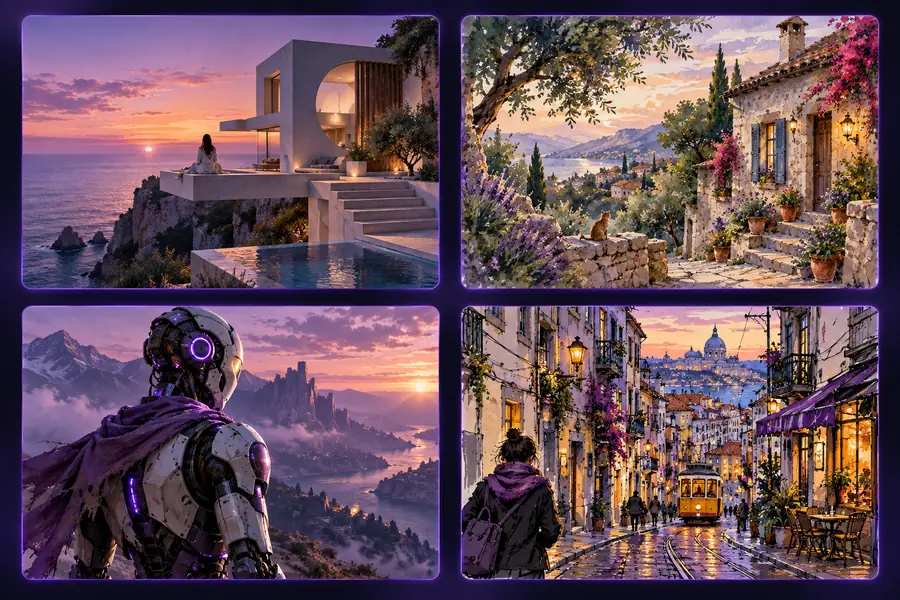
Social content creator

A weekly post needs a recognizable subject, a strong crop, and enough negative space for a headline.

The prompt makes framing, aspect-aware composition, color contrast, and text-safe space explicit before the creator renders variations.

best ai prompts for images

Art director

A moodboard contains references, but the production team needs written direction that can survive a review meeting.

The image prompt generator organizes subject, camera language, lighting, environment, and exclusions into a brief that is easier to discuss and revise.

best ai prompts for images

Story developer

A script scene has a clear emotional beat but no settled visual treatment for the first frame.

The prompt captures character action, location, atmosphere, point of view, and period cues without pretending to replace the script or storyboard.

best ai prompts for images
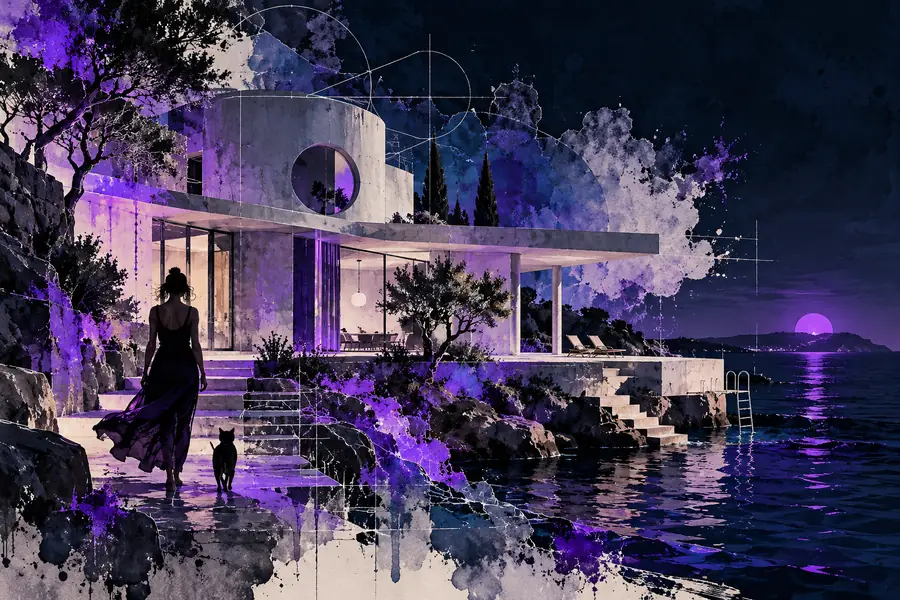
A short visual idea beside a more detailed prompt direction Before: loose idea
A vivid portrait representing a structured image prompt After: visual brief
The clearer version gives the image workflow more decisions to interpret.

Turn a rough idea into a usable prompt

Use the examples as a checklist rather than a formula. Start with what must appear, add the choices that shape how it should look, then remove anything that introduces ambiguity. When you are ready to test a direction, send your brief to the image prompt generator and refine the result from there.

Generate an image prompt
  • Start with subject and purpose
  • Add composition, light, and mood
  • Review exclusions before rendering

scenario FAQ

Answers to common questions about using AI image prompt examples as a practical part of a visual workflow.

They show how a short idea can become a more specific visual brief. Good examples make choices such as subject, setting, lighting, composition, color, mood, and exclusions easier to recognize and reuse.

Begin with the main subject and the purpose of the image. Add the setting, action, point of view, composition, lighting, materials, color direction, mood, and any important elements to avoid.

Replace broad words with observable decisions. Instead of only saying “cinematic portrait,” describe the subject, location, camera perspective, light quality, palette, expression, depth, and visual atmosphere you want.

Yes, the underlying brief can be adapted because the core decisions remain useful across image workflows. You may need to adjust the order, terminology, or optional parameters to match the tool receiving the prompt.

Start creating
Start creating