It cannot know your hidden intention
A short request may leave the audience, emotional tone, or visual priority unclear.
Workaround
Name the main subject, intended feeling, and the one detail that must stand out.
Prompt with intent
An AI image prompt generator helps turn a loose concept into a structured visual brief. Describe the subject, setting, mood, and direction, then refine the result before handing it to an image tool.
A strong prompt is more than a list of objects. It gives an image model enough context to balance subject, composition, atmosphere, and visual treatment.
Generated wording is useful guidance, not a guarantee of an exact image. Check the output for details that require human judgment before you use it.
A short request may leave the audience, emotional tone, or visual priority unclear.
Workaround
Name the main subject, intended feeling, and the one detail that must stand out.
Prompt wording can request signs, labels, or typography, but image models may still distort letters.
Workaround
Add text later in a design tool or treat the generated image as a layout reference.
A prompt can describe color, pose, and composition, but subtle identity or product features may shift.
Workaround
Use a reference-aware workflow and state which visual traits matter most.
Different image systems interpret aspect ratio, exclusions, camera terms, and style labels differently.
Workaround
Adapt the final wording to the image model and add its supported parameters yourself.
Use the output as a starting brief, then make one focused revision at a time instead of rewriting every detail at once.
Begin with the person, object, place, or scene that should carry the image. Include the action or relationship that makes the idea specific.
Layer in setting, composition, lighting, palette, mood, material, and visual style. Prioritize the details that change the result most.
Remove contradictions, clarify ambiguous words, and adjust the emphasis for the image model you plan to use.
The difference is not simply more words. A structured description gives the image model a clearer order of importance.
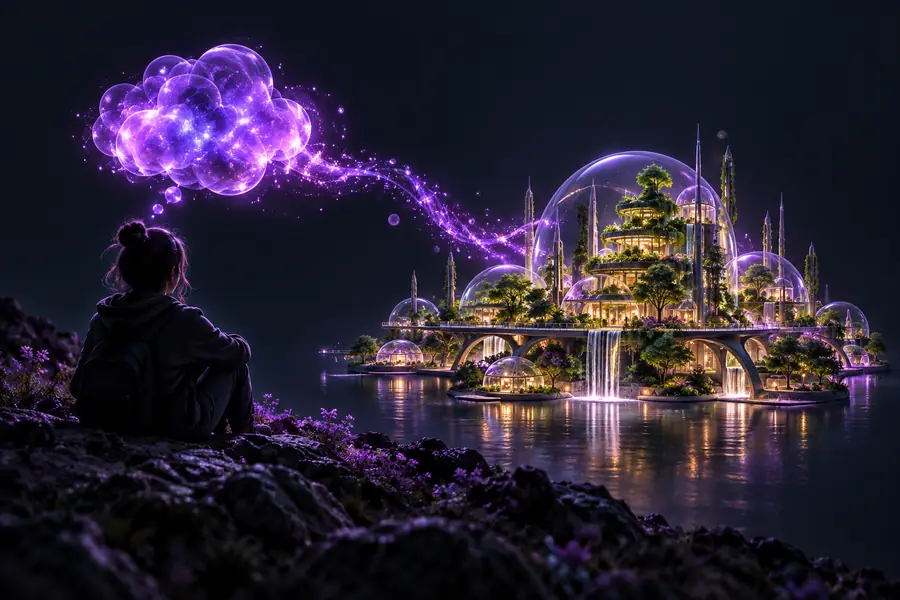 Loose idea
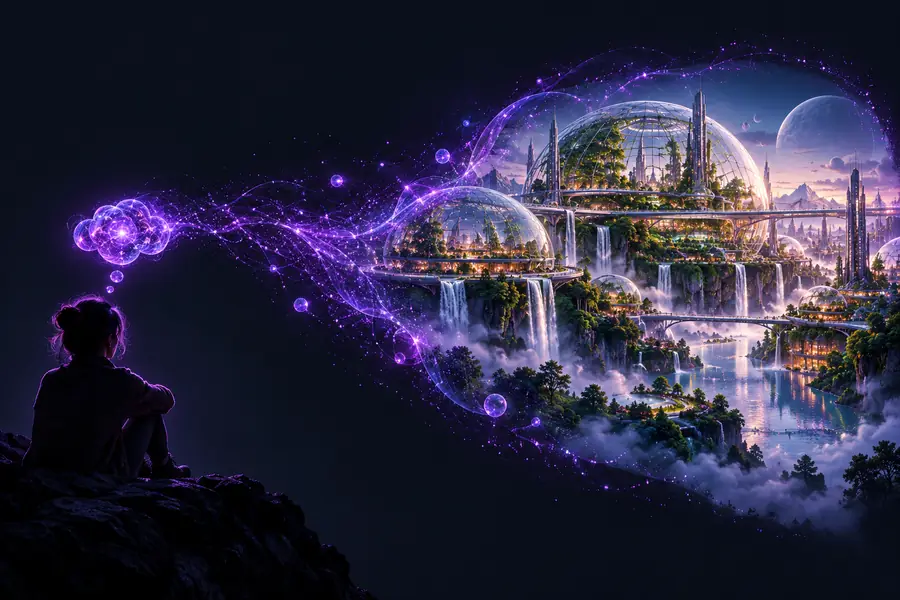 Directed brief
The same prompt structure can support exploration, production planning, and reference analysis without forcing every project into one visual style.
You have a mood, character, or world-building idea but need a concise visual starting point.
The generated brief surfaces setting, atmosphere, and composition choices you can sketch or iterate.
text to image prompt generatorYou need several image directions for a campaign while keeping the subject and message consistent.
A structured prompt makes variations easier to compare across mood, framing, and visual treatment.
ai image prompt generator from textYou want to translate a reference or visual instinct into language that collaborators can discuss.
The prompt turns composition, lighting, lens feel, and palette into a shared creative brief.
image to promptYou are exploring a setting, material, or campaign scene before committing to a finished production concept.
Early prompt variations help compare directions before a detailed shoot or illustration plan.
image to prompt generator onlineStart with the image you can describe today, then use the generated direction as a focused draft. You can keep the strongest details, remove anything generic, and adapt the wording to your preferred image workflow.
Generate an image promptThese answers cover the practical questions people ask when using an AI-based prompt workflow for image creation.
It turns a short idea, scene description, or creative brief into more structured wording for image creation. The result may organize subject, setting, composition, lighting, mood, and style so you have a clearer starting point.
Start with the main subject and action, then add the setting, mood, composition, lighting, color direction, and visual style. Put the most important details first and avoid adding conflicting instructions.
No. It can help describe visible traits such as composition, palette, subject, and atmosphere, but it cannot guarantee an exact reproduction. Review the generated wording and use a reference-aware image workflow when precise details matter.
The core description can usually be adapted, but models differ in how they interpret style terms, negative prompts, aspect ratios, and technical parameters. Treat the output as a model-agnostic draft and adjust it for the system you use.
Yes. Check whether the subject, action, mood, and composition are unambiguous, then remove generic or contradictory language. Focus each revision on one change so you can tell what improved the result.