Text to visual
Create stronger concepts with a text to image prompt generator
A text to image prompt generator helps turn a short description into useful visual direction. Start with the subject, mood, and intended result, then refine the details before handing the prompt to the image tool.
Prerequisites for a useful prompt
You do not need a finished art brief. A subject, a visual intention, and one or two constraints give the generator enough direction to produce a practical starting point.
One full run-through from idea to prompt
The process works best when you separate the core idea from optional styling. That keeps the generated direction readable and makes later revisions easier.
-
1
State the visual subject
Name the person, object, place, or scene that must appear. Add the main action only if it changes the image’s meaning.
-
2
Add visual direction
Describe mood, lighting, viewpoint, color character, setting, and level of realism. Choose only details that support the intended result.
-
3
Review and refine
Read the generated prompt as a production brief. Remove contradictions, clarify vague words, and keep the strongest constraints near the core subject.
Options table for building the prompt
Use the left column as the required foundation and the right column as optional direction. Adding every option at once can make a simple concept harder to control.
- Core brief
- Optional direction
Subject
Core brief
The main person, object, place, or scene
Optional direction
Supporting subjects and background details
Action
Core brief
What the subject is doing or showing
Optional direction
Secondary movement or environmental activity
Composition
Core brief
The most important view or arrangement
Optional direction
Close-up, wide view, symmetry, depth, or negative space
Lighting
Core brief
Basic light quality such as soft, bright, or dramatic
Optional direction
Direction, rim light, glow, shadow pattern, or time of day
Style
Core brief
A broad visual character such as realistic, illustrated, or editorial
Optional direction
Material treatment, texture, lens character, or medium cues
Color
Core brief
A dominant palette or emotional color direction
Optional direction
Accent colors, muted tones, contrast, or monochrome treatment
Context
Core brief
The setting that makes the subject understandable
Optional direction
Weather, season, architecture, props, or atmospheric details
Output intent
Core brief
What the image is meant to communicate
Optional direction
Poster, concept art, portrait study, product scene, or social visual
What fails when the brief is unclear
A generated prompt cannot repair every vague or conflicting instruction. The most reliable improvements come from making the subject, priority, and visual intent easier to distinguish.
- Give the image one clear visual priority
- 1 subject
- Review subject, style, and composition before using the result
- 3 checks
- Remove instructions that ask for incompatible visual outcomes
- 0 conflicts
What a refinement changes
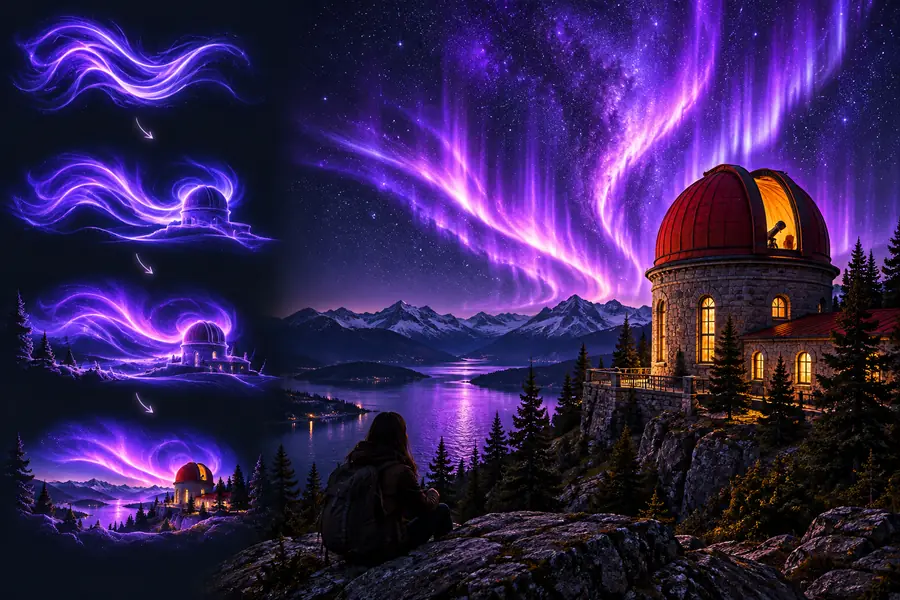
The first version can capture the idea while leaving the visual hierarchy undefined. A refined version keeps the same subject but gives the image a clearer setting, mood, and point of view.
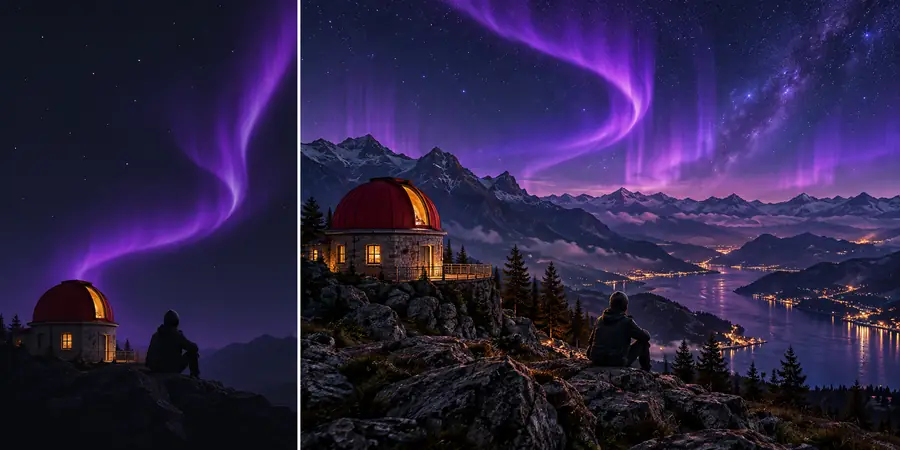 Short idea
 Refined direction
Turn your next idea into a usable brief
Bring a rough sentence, a visual reference in your mind, or a specific scene you want to explore. Use the generator to organize the important choices, then adjust the wording until the result matches your intent.
Create an image prompt- Start with the subject and purpose
- Add only details that support the scene
- Refine the generated direction before creating
Frequently asked questions
It turns a written description into more structured visual direction for an image-making workflow. The result can organize details such as subject, setting, mood, composition, lighting, color, and style.
Begin with the main subject and what it is doing, then add the setting and the visual result you want. Lighting, viewpoint, color, and style can improve specificity when they matter to the concept.
Yes. A short idea can be a useful starting point if it clearly names the subject or scene. You can then review the expanded direction and remove details that do not fit your intended image.
Conflicts usually come from combining incompatible styles, viewpoints, moods, or compositions. Read the prompt as a brief, choose one primary direction, and replace vague terms with concrete visual choices.
It may be a useful first draft, but review is still valuable. Adjust the emphasis, remove unnecessary wording, and make sure the prompt reflects the subject and result you actually want.